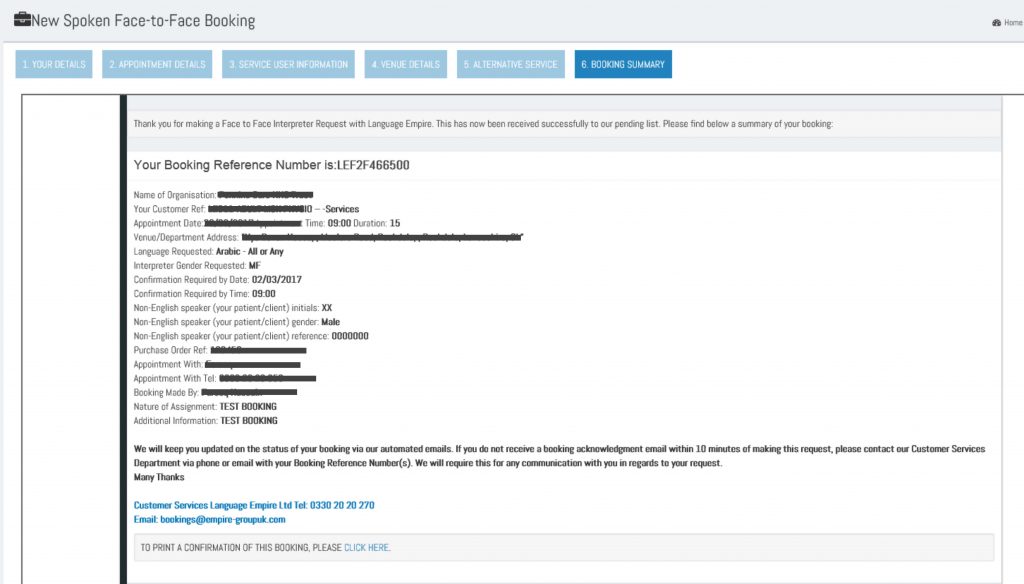
LE-LSM Booking Platform User Guide
Language Empire have made some improvements to the online booking platform, in order to help you we have put together a short userguide to help you making bookings.



Language Empire have made some improvements to the online booking platform, in order to help you we have put together a short userguide to help you making bookings.
Open your web browser and go to www.language-empire.net
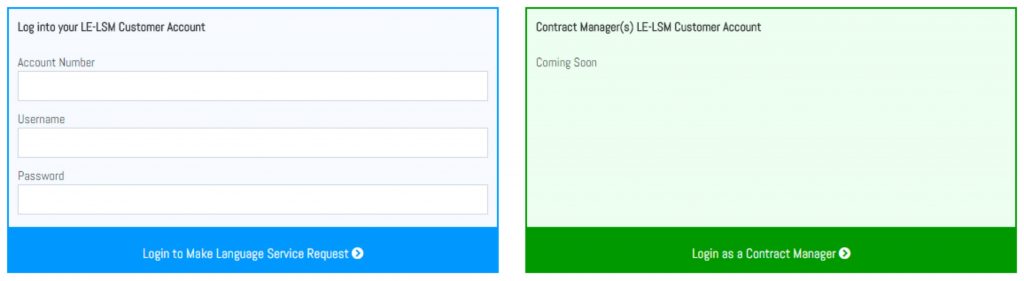
To make a booking, please enter your login details into the blue box titled “Log into your LE-LSM Account”. This will be an Account Number, Username and Password. If you do not have this information, you can request it from our Customer Service team via email to: bookings@empire-groupuk.com or by phone: 0330 20 20 270.
Please note: The GREEN box is only for Contract Managers/Commissioners. This guide only reflects what is required for the BLUE box.
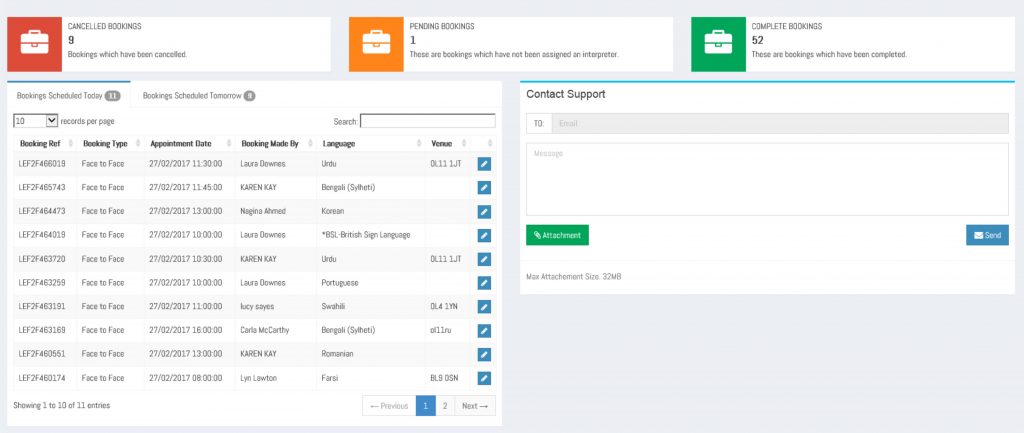
Once you have signed in, please select which service you require. This will be one of the following dependent upon the services we are contracted to provide for your organisation:
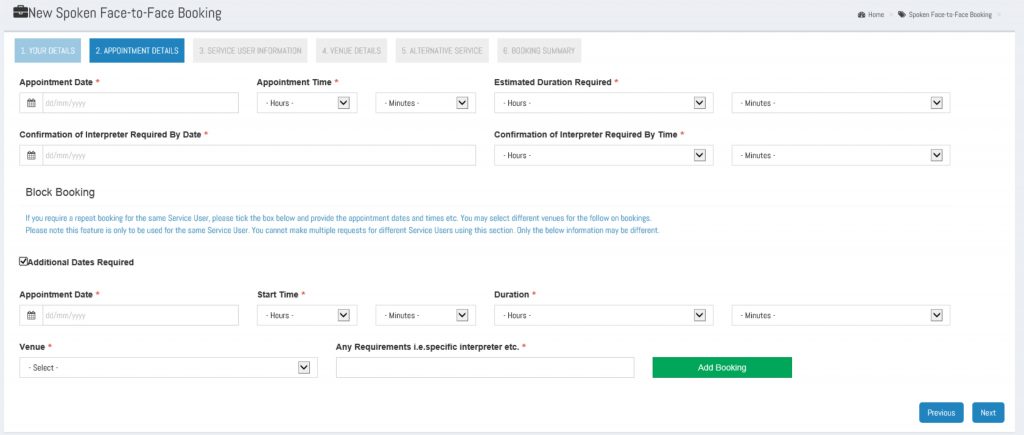
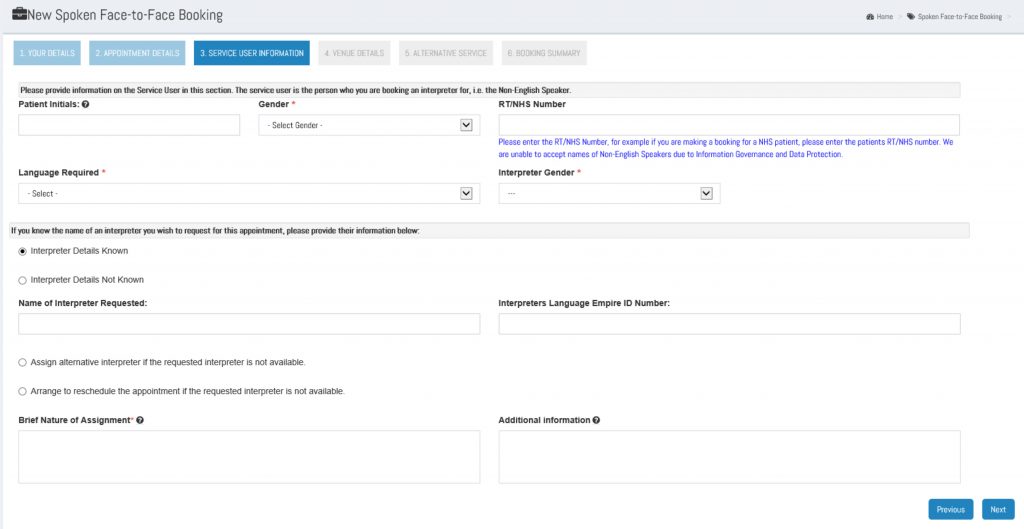
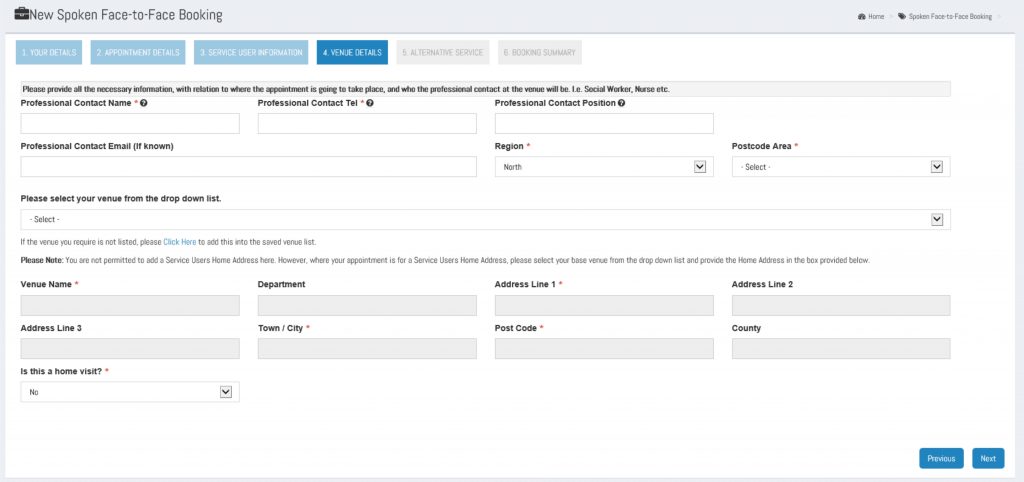
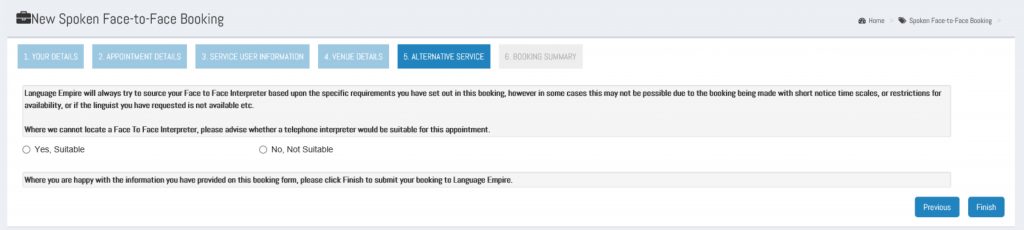
The biggest change can be seen on the booking form. This has been broken down into 6 sections to make the booking simple.
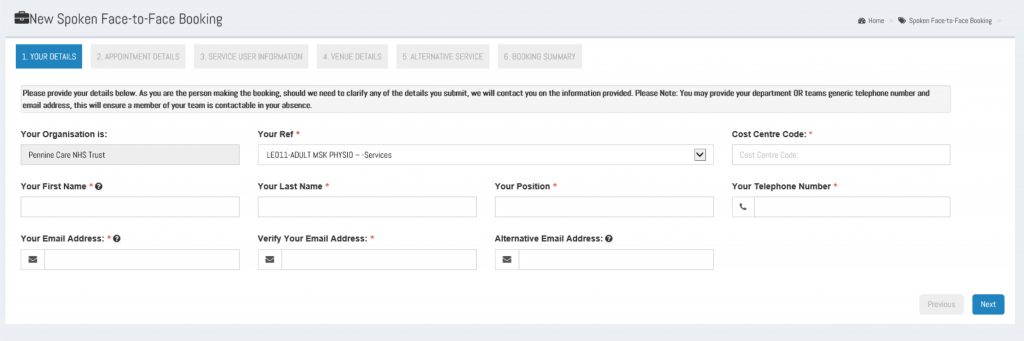
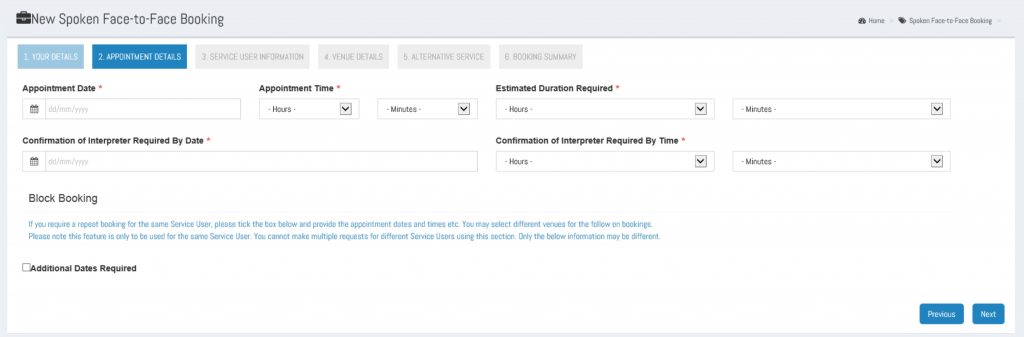 You may also request a Block Booking for the same service user by clicking on Additional Dates Required. Please note, this is only to be used for the same service user.